
How to download Instagram Reels with Reel Downloader
There are two ways to use it. Both are free and neither needs an account.
With the web tool (any device, including phones)
- Open the Reel in the Instagram app or on instagram.com.
- Tap Share, then Copy link. The link looks like instagram.com/reel/ followed by a short code.
- Paste the link into the box above.
- Press Download.
- Save each file to your device.
The web tool also accepts photo and carousel links that use instagram.com/p/.
With the Chrome extension (desktop)
- Click Add to Chrome and confirm in the Chrome Web Store.
- Open instagram.com in Chrome. Make sure you are signed in.
- Find the Reel you want. A Download button sits right beside the post.
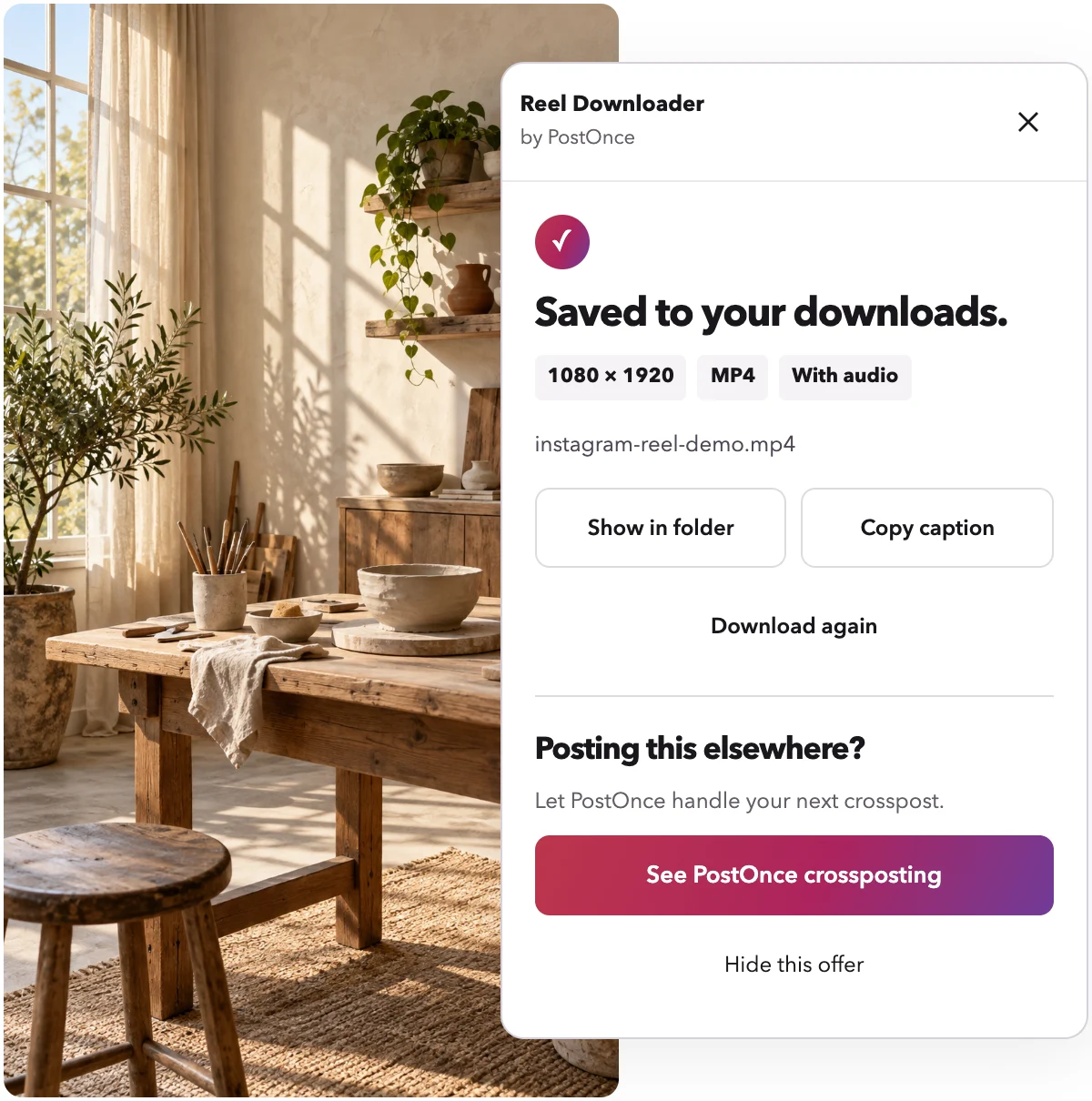
- Click it once. A small panel shows the progress, then "Saved to your downloads." with the exact resolution of the file.
That is the whole process. There are no settings to pick and no pages to wait through. If you mainly save on a laptop or desktop, the step-by-step guide to downloading Reels on PC walks through it in more detail, including Mac.
What quality to expect
Reel Downloader saves the best quality Instagram's own website offers. For Reels, that is usually 1080p, with sound.
Nothing is re-encoded. You get the file Instagram serves, not a compressed copy. Instagram sometimes sends the picture and the sound as separate streams. When that happens, the extension combines them in your browser, so you end up with one video that plays with audio.
For photos and carousels, the extension saves images at up to 1080 px wide. The web tool can return lower-resolution images, for example 720 px wide. If image quality matters to you, use the extension.
Instagram Reels downloader: extension or web tool?
Both do the same basic job. The right one depends on where you are and how often you save posts.
Choose the extension if you
- Save Reels often on a laptop or desktop
- Want the highest image quality for photos and carousels
- Want to save posts you can see while signed in, not only fully public ones
- Do not want a daily limit
Choose the web tool if you
- Are on a phone or tablet
- Cannot install Chrome extensions on the computer you are using
- Only need one or two posts
The web tool runs on our servers, so it has a daily limit. The extension runs in your own browser and has no limit. You can read more about how the extension works on the Instagram downloader Chrome extension page.
What you can save
- Reels, with sound, usually at 1080p.
- Photos from single-image posts. See the Instagram photo downloader page for details.
- Carousels, with every image saved and numbered in post order. See the Instagram carousel downloader page.
- Captions, with one-click copy in the extension.
What is not supported
Reel Downloader keeps to a clear scope. It does not download:
- Instagram Stories
- Whole profiles or many posts at once (bulk downloads)
- Private posts you cannot open yourself
- LIVE broadcasts
The web tool only works with public posts. The extension works with posts you can open while signed in to Instagram in Chrome.
Troubleshooting
Most problems come down to the post itself or the connection. Reel Downloader tells you which one it is.
"Sign in needed"
The extension uses the Instagram session already open in Chrome. Sign in to instagram.com in the same Chrome profile, then try again. The extension never sees your password.
The post was removed or is private
If a post has been deleted, or the account is private and you do not follow it, there is nothing to download. You will see a clear message saying so.
The download stopped partway
If your connection drops, the panel shows a Retry button. Press it to start that file again.
The web tool will not accept my link
Check that the link points to a single post, using /reel/ or /p/. Profile links and Story links will not work. Also check that the post is public.
I hit the daily limit
The web tool's limit resets each day. If you need more, the extension has no limit.
Privacy
Reel Downloader is free and asks for no account. It does no usage tracking. With the extension, downloads stay on your computer and nothing is uploaded. With the web tool, files are fetched from Instagram's own servers, and we do not keep copies.
Please only download posts you own or have permission to reuse.
Reel Downloader is made by PostOnce. It is an independent tool and is not affiliated with Instagram or Meta.