
How to download an Instagram photo
On any device, with the web tool
- Open the post in the Instagram app or on instagram.com.
- Tap Share, then Copy link. Photo links look like instagram.com/p/ followed by a short code.
- Paste the link into the box above.
- Press Download.
- Save each image to your device.
This works on phones, tablets and computers. It only works with public posts.
On a computer, with the Chrome extension
- Click Add to Chrome and confirm in the Chrome Web Store.
- Open instagram.com in Chrome and sign in.
- Click the Download button beside the photo.
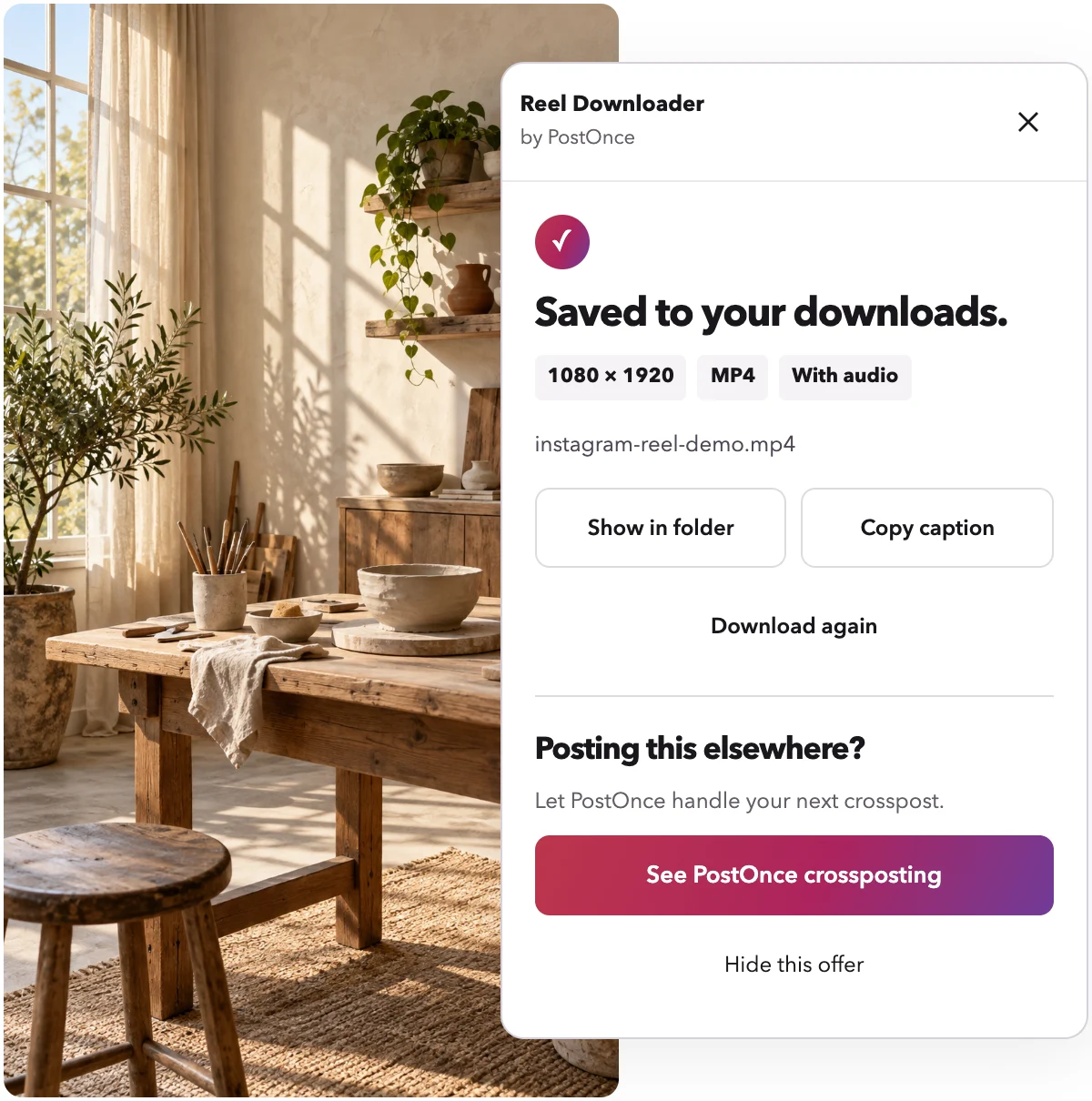
- A small panel shows the progress, then "Saved to your downloads." with the exact resolution.
Photo quality: web tool vs extension
Image quality is the main difference between the two options.
The web tool can return Instagram photos at lower resolution, for example 720 px wide. That is fine for a quick reference or a mood board.
The extension usually gets higher quality, up to 1080 px wide. If you plan to print a photo, crop it or reuse it in a design, the extension is the better choice.
In both cases, nothing is re-encoded. You get the image Instagram serves.
An Instagram photo downloader extension for desktop
If you save photos often on a laptop or desktop, the Instagram downloader Chrome extension saves you the copy-and-paste step. A Download button appears beside every post on instagram.com. One click and the image is in your downloads folder.
As an Instagram photo downloader extension, it also:
- Has no daily limit, unlike the web tool
- Works with posts you can open while signed in, not only public ones
- Copies the caption with one click
- Uses the Instagram session already open in Chrome, and never sees your password
The extension works in desktop Chrome and other Chromium browsers that install Chrome Web Store extensions. It does not work on phones. On a phone, use the box at the top of this page.
Posts with more than one photo
Many Instagram posts are carousels, with several photos in one post. Reel Downloader handles these too. Paste the carousel link and you get every image. The extension saves every image and numbers the files in post order, so slide 1 stays slide 1.
Read more on the Instagram carousel downloader page.
Other things you can save
The same tool saves Instagram Reels with sound, usually at 1080p. Head to the Reel Downloader home page for video.
What is not supported
- Instagram Stories
- Whole profiles
- Bulk downloads of many posts at once
- Private posts you cannot open yourself
- LIVE broadcasts
Troubleshooting
The link does not work
Make sure the link is for a single post and uses /p/ or /reel/. Links to a profile or a Story will not work. The post must also be public for the web tool.
The image looks small
The web tool sometimes returns photos at around 720 px wide. Try the extension, which usually gets images up to 1080 px wide.
The post was removed or is private
You will see a clear message. If a post is gone or the account is private, there is nothing to download.
The download stopped
If your connection drops, press Retry to start that file again.
I reached the daily limit
The web tool's limit resets daily because it runs on our servers. The extension has no limit.
Privacy and responsible use
The tool is free and needs no account. There is no usage tracking. The web tool fetches images from Instagram's own servers, and we do not keep copies. With the extension, files stay on your computer and nothing is uploaded.
Please only download photos you own or have permission to reuse.
Reel Downloader is made by PostOnce and is not affiliated with Instagram or Meta.